
Kubernetes interview Q&A guide for DevOps Engineers

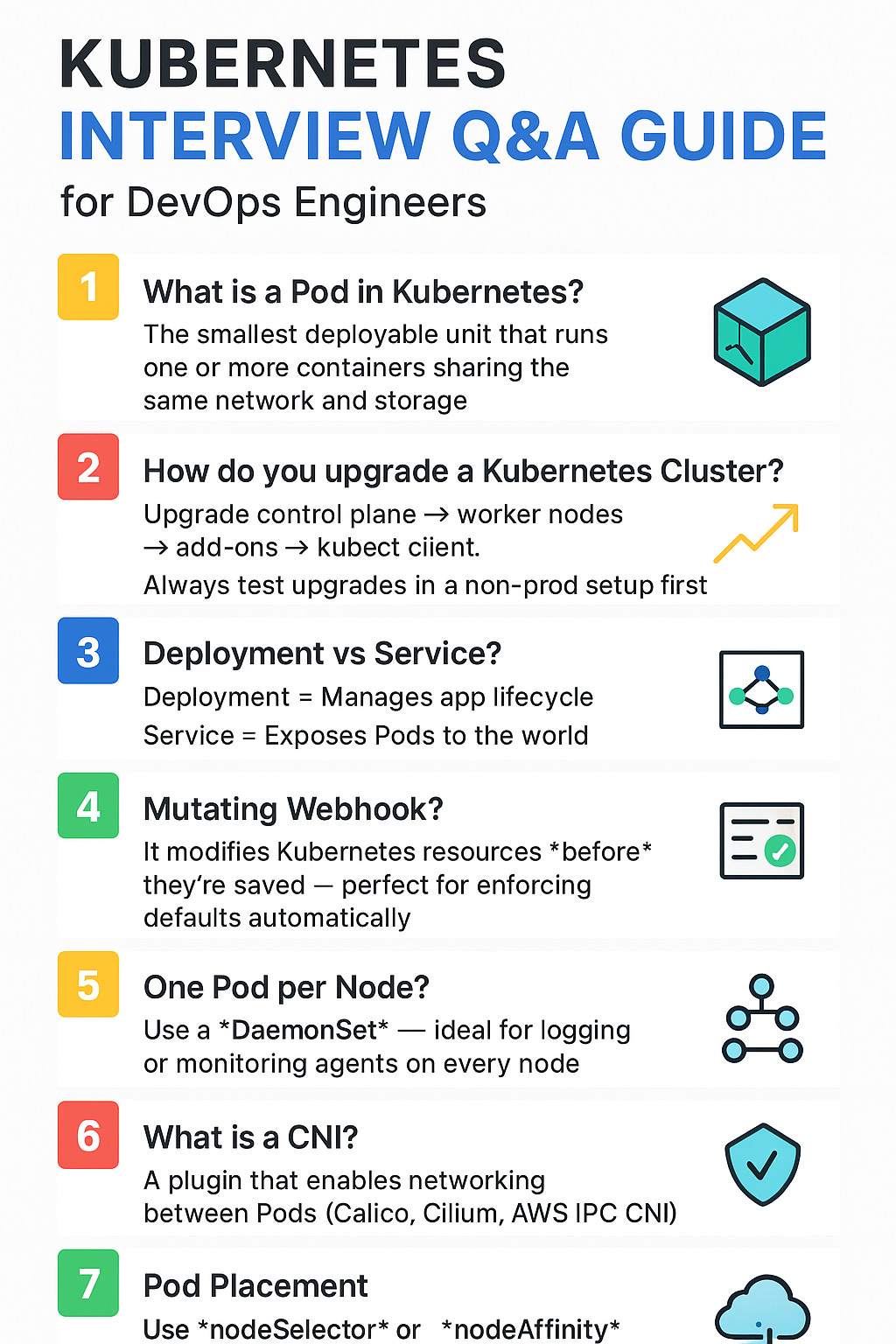
1. What is a Pod in Kubernetes?
Simple answer:
A Pod is the smallest deployable unit in Kubernetes.
It usually contains one or more containers that share the same IP address, storage, and network namespace.
Why this matters:
Pods are where your applications actually run.
Each Pod is an abstraction over a container (usually Docker).
Multiple containers in one Pod can communicate easily since they share the same networking.
✅ Example:
An Nginx container + a sidecar container for logging → both inside the same Pod.
2. How do you upgrade a Kubernetes Cluster?
Short version (for interviews):
Check release notes for deprecated APIs.
Update your manifests if any APIs changed.
Upgrade the control plane first.
Then upgrade worker nodes (make sure their images are compatible).
Upgrade add-ons (like CoreDNS, kube-proxy, etc.).
Finally, update your kubectl client.
Tip:
Always test upgrades in a non-production environment first.
3. What’s the difference between a Deployment and a Service?
Answer:
Deployment: Manages the application’s lifecycle — like Pod creation, scaling, and rolling updates.
Service: Exposes the Pods via a stable endpoint (ClusterIP, NodePort, or LoadBalancer) for load balancing and communication.
✅ In short:
Deployment = manages app state
Service = exposes app to users or other services
4. What does a Mutating Webhook do?
Answer:
A Mutating Webhook can modify Kubernetes resources before they’re saved in the cluster.
Explanation:
Kubernetes calls external webhooks during operations like create, update, delete.
A mutating admission controller can intercept that API request and change or add fields.
✅ Example:
If a user forgets to add resource limits to a Pod →
the Mutating Webhook automatically adds default limits before saving it.
Key takeaway:
Mutating Webhooks let you enforce organization-wide standards automatically.
5. Which resource should you use for one Pod per node (with a PVC)?
Answer:
Use a DaemonSet.
Why:
A DaemonSet ensures one Pod runs on each node in the cluster.
This is ideal for logging agents, monitoring agents, or network plugins.
✅ Example:
Running a Fluentd or Datadog agent on every node → DaemonSet is perfect.
6. What is CNI (Container Network Interface)?
Answer:
CNI is a plugin system that provides networking capabilities to containers and Pods.
It allows:
Pods to communicate with each other (within and across nodes).
IP address management.
Common CNIs:
Calico – simple and popular.
Cilium – high performance and security.
AWS VPC CNI – native to Amazon EKS.
Note:
Without a CNI, Kubernetes networking won’t work.
7. What is a Service Mesh?
Answer:
A Service Mesh manages and secures service-to-service communication inside your cluster.
Why it’s needed:
Kubernetes provides basic service discovery via internal DNS.
But Service Mesh adds observability, retries, encryption, and traffic management.
Examples:
Istio
Linkerd
✅ Use case:
Auto-encrypt traffic between microservices and track request latency.
8. What is GitOps?
Answer:
GitOps means using a Git repository as the single source of truth for your infrastructure and app configurations.
How it works:
You store Kubernetes manifests in a Git repo.
When you merge changes, it automatically syncs those to the cluster.
If someone changes something manually using kubectl, the system can revert it back to match Git.
Tools:
Argo CD
Flux CD
✅ Key idea:
Changes happen through Git commits → not through direct cluster changes.
9. How do you place Pods on specific Nodes?
Answer:
Use a nodeSelector in your Deployment manifest to match Pods with specific node labels.
Example YAML:
spec:
  template:
    spec:
      nodeSelector:
        disktype: ssd
Tip:
There’s also nodeAffinity (advanced version) and taints/tolerations,
but for a simple interview answer — just say nodeSelector.
10. Difference between Ingress and a Cloud Load Balancer
Answer:
Ingress: A Kubernetes resource that defines routing rules for HTTP/S traffic to Services.
Ingress Controller: The software that implements those rules (e.g., NGINX, HAProxy).
Cloud Load Balancer: A cloud-level resource (e.g., AWS ALB, GCP Load Balancer) that provides external access to your cluster.
✅ In short:
Ingress = internal routing logic (Kubernetes level)
Cloud Load Balancer = entry point from the internet (Cloud level)
They often work together:
Cloud Load Balancer → forwards traffic → Ingress Controller → routes to Services → Pods
Bonus: Core Components of Kubernetes
(He mentioned this will be in another video, but here’s a quick overview)
API Server → The front door to the cluster (all requests go through this)
etcd → Key-value store for all cluster data
Controller Manager → Ensures desired state is maintained
Scheduler → Decides which node runs which Pod
Kubelet → Agent that runs on each node
Kube Proxy → Handles networking for Pods and Services
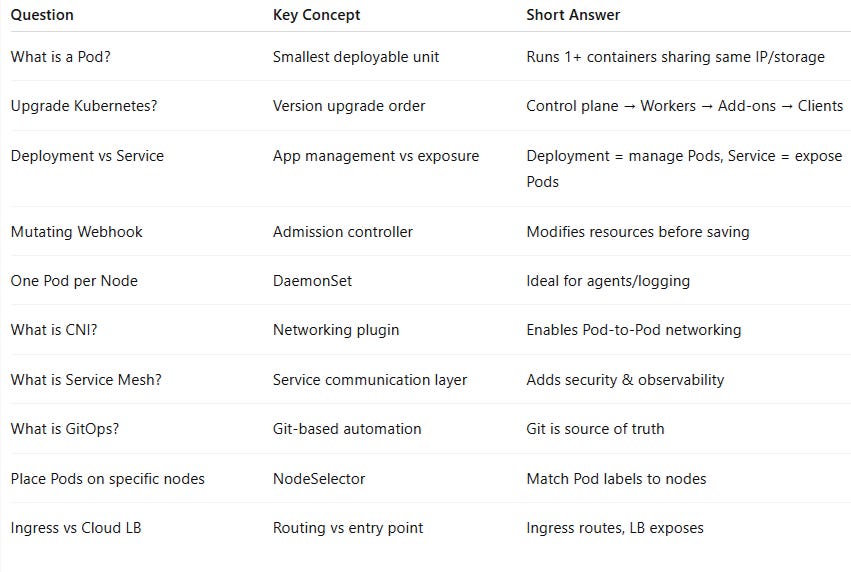
Final Summary Table
well explained
Loved reading it Amit. Looking for more such posts!!